Remove and Reset Widnows Password in Seconds
Wipe iOS Screen Passcode, Remove Apple ID, etc.
One-click to Bypass the iCloud Activation Lock
View, Export, and Restore iPhone Passwords
Bypass Android Screen Lock and FRP
Change or Hide Location on iOS/Android Devices
Recover iOS data from devices, iCloud, iTunes backup
Transfer Data Between iPhones, Laptops, and iTunes
Free Trail
Full Version
$34.95 / 6 Devices
$59.96 / 6 Devices
Original Price: $44.95
Original Price: $74.95
Step 1: Launch the program and choose the Wipe Passcode section.
Step 2: Connect your iOS device to your computer and start wiping the passcode.
Step 3: Download the firmware package and unlock the iPhone passcode.
See Full Guide Here
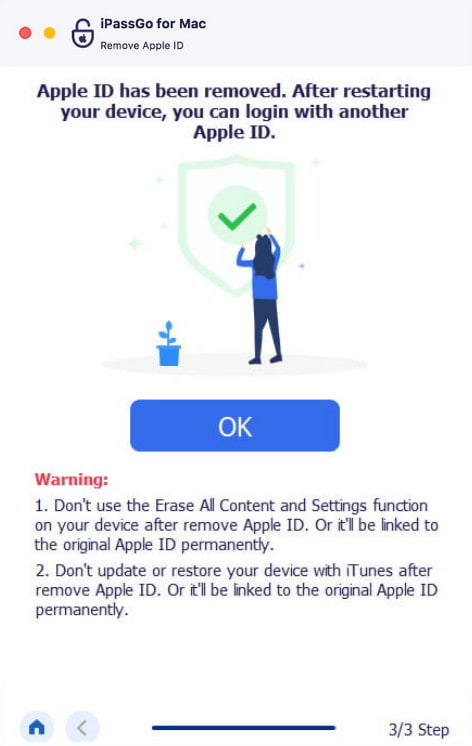
Step 1: Launch the program and choose the Remove Apple ID section.
Step 2: Connect your iOS device to your computer and start removing Apple ID.
Step 3: Follow the on-screen guide and remove the Apple ID.
See Full Guide Here
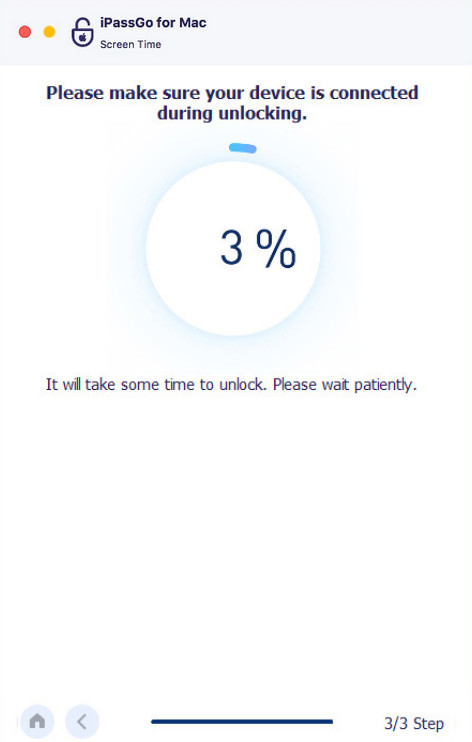
Step 1: Launch the program and choose the Remove Screen Time Passcode section.
Step 2: Connect your iOS device to your computer and start removing the Screen Time Passcode.
Step 3: Follow the on-screen guide and remove the Screen Time passcode.
See Full Guide Here
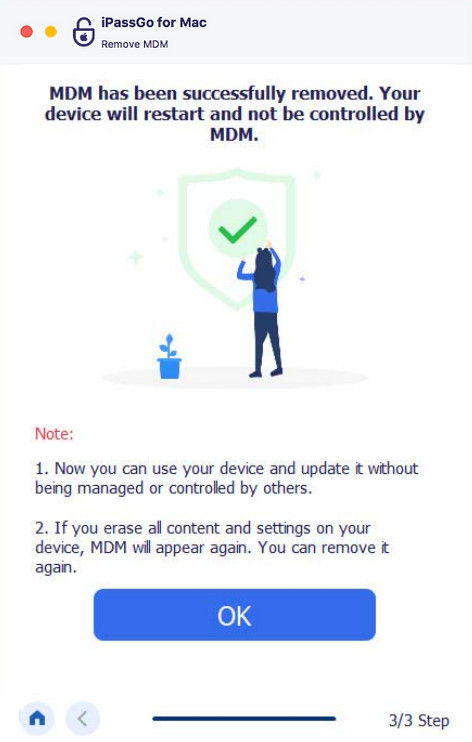
Step 1: Launch the program and choose the Remove MDM section.
Step 2: Connect your iOS device to your computer and start removing MDM.
Step 3: Follow the on-screen guide and remove the MDM.
See Full Guide Here
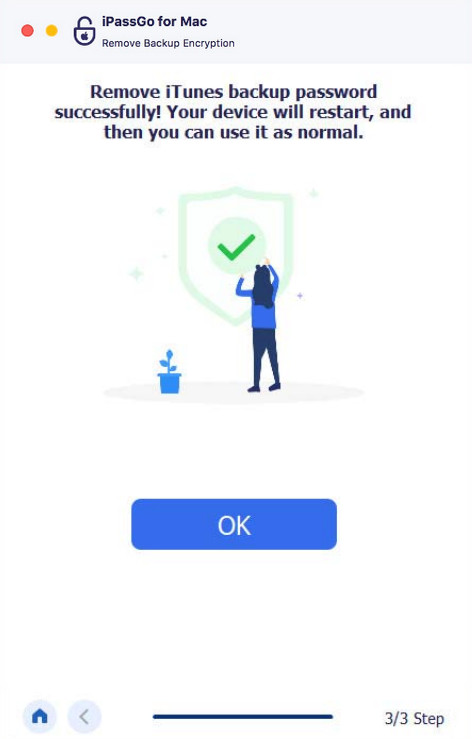
Step 1: Launch the program and choose the Remove iTunes encryption section.
Step 2: Connect your iOS device to your computer and start removing iTunes encryption.
Step 3: Follow the on-screen guide and remove the iTunes encryption.
See Full Guide Here
Over 10 Years of Experience
100% Safe Without Any Virus and Ads
30-day Money Back Guarantee
24/7 Online
Support