Navigation
BG BG BG BG BG BG BG

Recover Lost or Deleted Data from Various Damages and Scenarios

Has your iPhone been locked, damaged, broken, lost, or exposed to water? Don't worry! imyPass iPhone Data Recovery can help you recover important data in different unexpected situations, including forgotten passwords, screen damage, water damage, system crashes, and accidental drops! Even without a backup!

Forgot Screen Passcode Wrong Passcode Input Attempts Face Touch ID not Working Unlock iPhone with Broken Scren Unlock Second Hand Bought iPhone

Recover Lost/Deleted Data from iPhone/iPad/iPod

imyPass iPhone Data Recovery recovers data on almost all iPhone, iPad, and iPod models and iOS system versions. No matter how you lose your data, iPhone Data Recovery saves any kind of data on your iPhone/iPad/iPod with a high success rate.

  • Support iOS 5-18 and iOS 26/27 Beta.
  • Recover files from nearly all iPhone, iPad, iPod, including iPhone 17/16.
  • Recover files without backups.
  • Advanced algorithms cater to iOS systems with high success rates.
Recover Lost/Deleted Data from iPhone/iPad/iPod
Recover iTunes/iCloud Backups and iCloud Data

Recover iTunes/iCloud Backups and iCloud Data

Do you want to restore iTunes/iCloud backups and iCloud Data without overwriting your iPhone? imyPass iPhone Data Recovery allows you to preview and selectively recover files from iTunes/iCloud backups directly to your device.

If you previously backed up your iPhone, iPad, or iPod using iTunes on Windows/Mac or enabled iCloud backup, the program can help you retrieve these files quickly and safely.

  • 1. Automatically detect all iTunes backups if you can't find them.
  • 2. Preview files from iTunes/iCloud backups and iCloud data.
  • 3. Optionally recover files from iTunes/iCloud.
  • 4. Restore files without erasing existing device data.

Recover 20+ Types of Data from iDevices and iTunes/iCloud Backup

imyPass iPhone Data Recovery can recover all kinds of lost files, including lost photos, videos, messages, contacts, WhatsApp, etc., directly on your iPad, iPod, and iPhone 17/16. You can also restore those iOS files from iTunes/iCloud data and choose the files you want to download to your computer.

  • Text Contents: Text Messages/iMessages, Notes, Reminder, WhatsApp, App Document, etc.
  • Media Content: Camera Roll, Photo Library, Voice Memos, Photo Stream, App Data from Facebook, Line, Kik, Viber, etc.
  • Others: Contacts, Calendar, Call History, Safari Bookmark, Safari History, etc.
Recover Lost/Deleted Data from iPhone/iPad/iPod

More Highlighted Features

How to Recover Data from iPhone/iPad/iPod and iTunes/iCloud

LeftRight
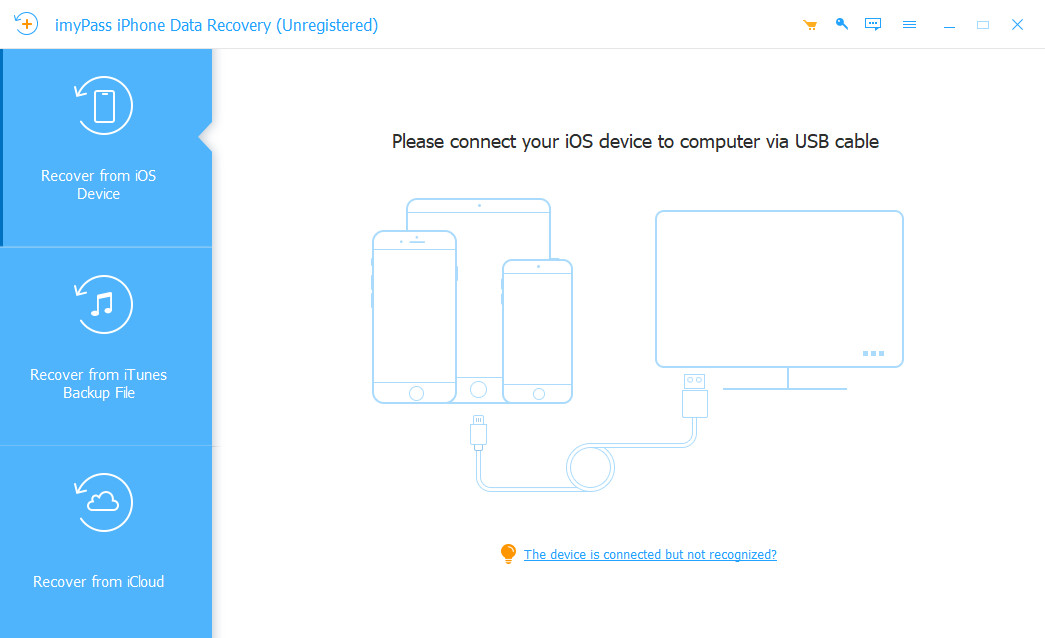
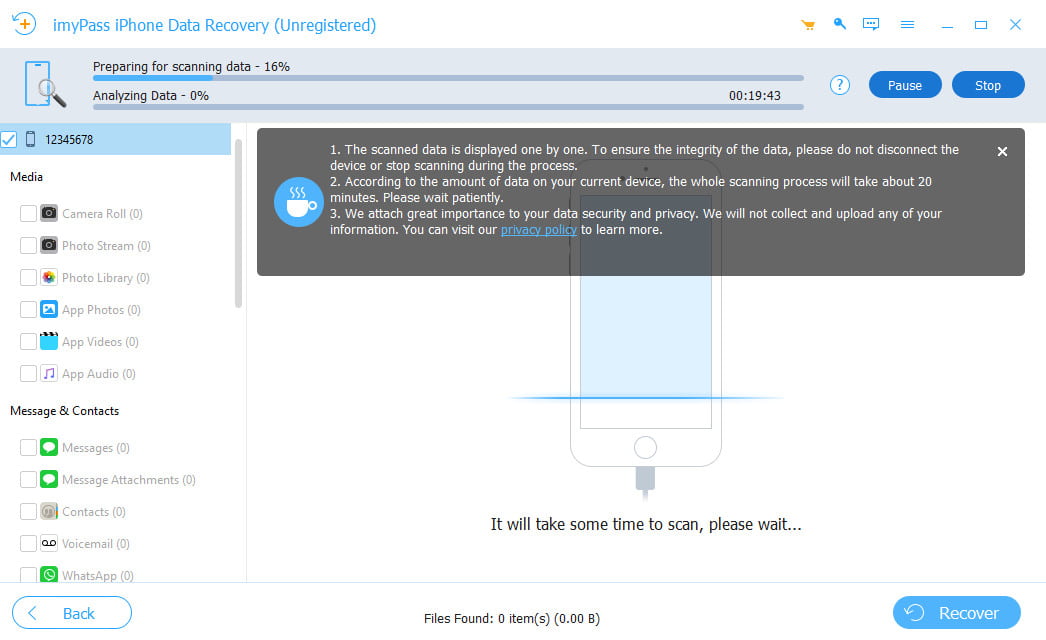
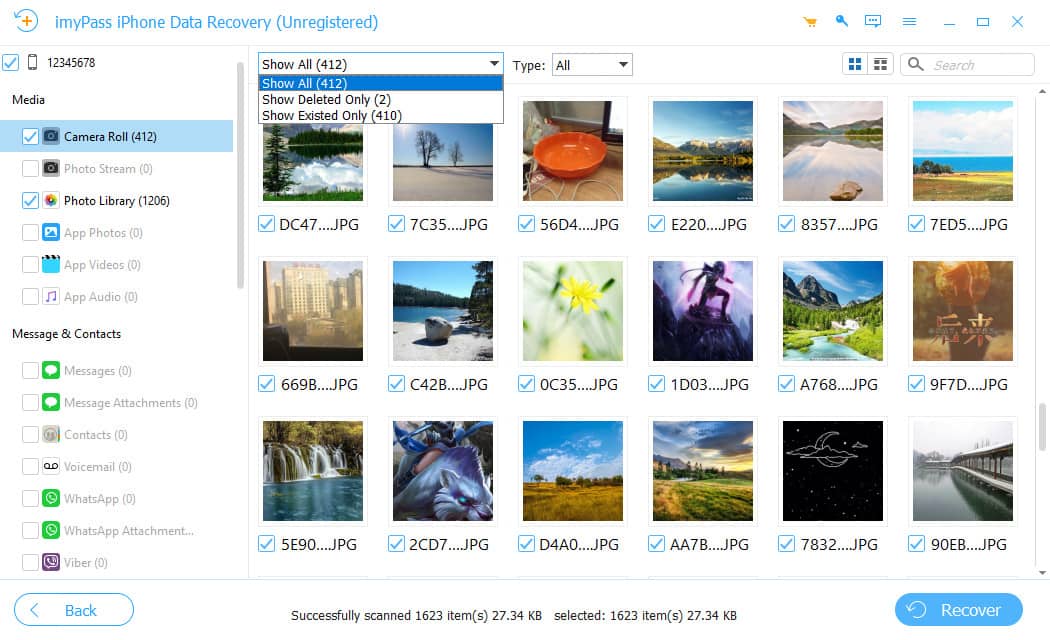
Connect Device Select Ios Data Select Save Path
LeftRight
Recover From iTunes Backup File Select itunes Backup Select itunes Data
LeftRight
Recover From iCloud Select iCloud Recovery Data Restore iCloud Data

What Users Say about imyPass iPhone Data Recovery

Hot Solutions You May Need

iPhone Data RecoveryimyPass iPhone Data Recovery

Recover your iOS data from iPhone/iPad/iPod, iTunes/iCloud backup easily, quickly, and safely.

9 , 8 6 9 , 4 8 7

Sorry, this product (or service) is currently unavailable to users in this region due to local regulations. We appreciate your understanding in this matter.