



 Solution
 Support Center
 About Us
 Contact
FRP Bypass Tool for PC: How It Works and Which Tools Are Reliable
 Gideon Byron Published on January 26, 2026Unlock Android3-min reading
Struggling to regain access to your device can be troublesome, especially when you need a reliable solution. Bypassing FRP with PC software for free offers a way to unlock your phone without costly tools or complicated steps. In this article, we test and review popular free software options to see which ones actually work and which may cause issues. Keep reading to compare the best solutions and find the method that fits your needs quickly and safely.

In this article:
Part 1. What You MUST Know Before Using Any FRP Bypass Tool
1. The Legal & Ethical Implications
FRP or Factory Reset Protection is meant to secure your phone and personal data. It prevents an unauthorized user from gaining access to a device following a factory reset. Nonetheless, instances exist wherein unauthorized access to FRP is justified. An example is when you have purchased a used phone that has still been associated with the old account, or you may have reset your phone and have forgotten the Google login. In such situations, using an FRP bypass tool for PC can help you regain access safely. Never leave the device without permission, and make sure to own the device; bypassing FRP without permission may constitute a crime.
2. The Security Risks
Even when using trusted tools, bypassing FRP comes with potential risks. Understanding these risks before you start can help you protect your phone, data, and PC. The main dangers include:
Malware and viruses
There are certain FRP bypass tool pc programs that have malware hidden. These may steal your personal data, spy on you, or damage your PC and phone.
Scams and fake tools
Many tools claiming to bypass FRP do nothing or demand hidden fees. Using a verified FRP bypass tool for PC reduces this risk.
Bricking your phone
Incorrect steps or untested software can corrupt your device. Even with a free FRP bypass tool for PC, following a reliable guide is crucial to avoid leaving your phone stuck or unusable.
Part 2. Review of Common FRP Bypass Tool
This is the list of the most credible FRP bypass tools for PC in terms of compatibility, effectiveness, and convenience of use.
1. imyPass AnyPassGo
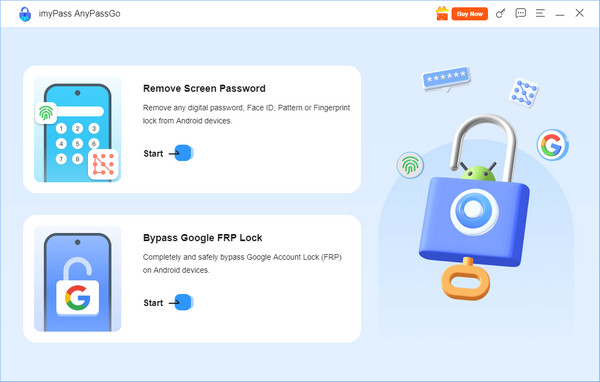
myPass AnyPassGo is widely regarded as the best FRP bypass tool for PC. It supports a wide range of Android devices and versions, including Samsung, LG, Huawei, and more. The tool can bypass FRP even if you have forgotten your Google account credentials, without affecting your data. Its interface is simple and provides step-by-step instructions, making it suitable for beginners. Additionally, it offers fast processing and a high success rate compared to other bypass tools.
Pros
- Plays with numerous brands and Android versions
- Large success rate and rapid processing
- Quick to use interface with visual instructions
- Minimal risk of data loss
Cons
- Paid version required for full features
- Limited support for very old Android devices
2. DroidKit Android FRP Bypass
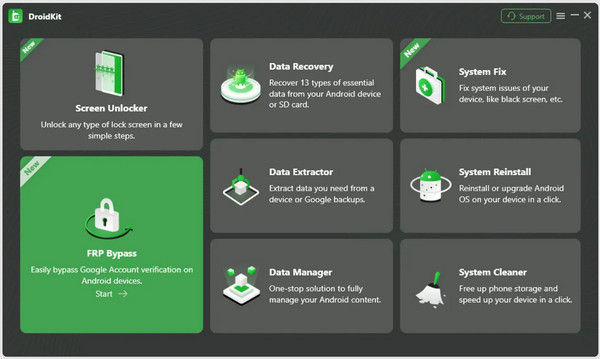
DroidKit Android FRP Bypass is considered one of the best free FRP bypass tools for PC options. It works on Android versions 6.0 through 14 and supports most major brands, including Samsung, Xiaomi, and Motorola. DroidKit has on-screen instructions, and it is easy to follow even in case of an individual with little knowledge in technical areas. The tool also implies the minimal risk of loss of data during the FRP bypass process, which is also a main advantage to be taken into consideration by the users who prefer a safe tool.
Pros
- Free version available
- Supports Android 6.0 to 14
- Step-by-step instructions minimize mistakes
- Safe, with minimal data loss
Cons
- Some features require a paid version
- It may not work on the very latest devices immediately
3. iMyFone LockWiper on Android
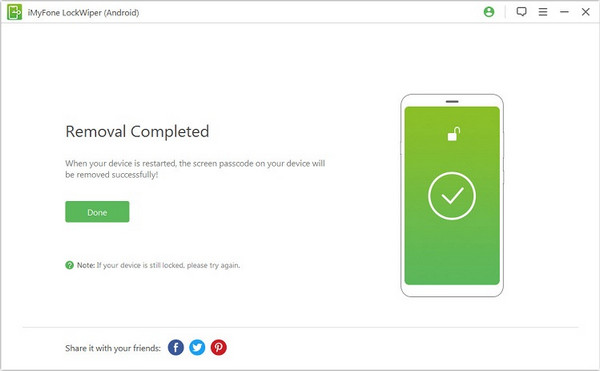
iMyFone LockWiper on Android works well as an LG FRP bypass tool for PC, particularly for second-hand LG devices. It can remove FRP locks without the original Google credentials and also unlock screen passwords. The tool supports Android 6.0 and above and provides a straightforward interface with clear instructions. Its versatility makes it an app to bypass Google verification and useful not only for FRP bypass but also for unlocking various screen locks, making it a multi-purpose solution.
Pros
- Supports Android 6.0 and above
- Multi-purpose: FRP and screen lock removal
- Simple interface and easy to follow
Cons
- Paid software for full functionality
- Limited brand support compared to other tools
4. SamFw Tool
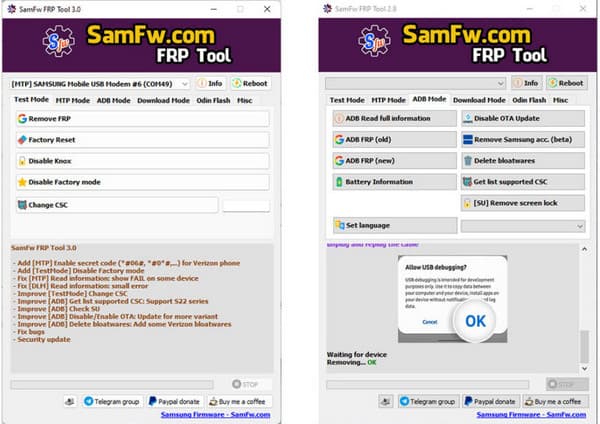
SamFw Tool is a reliable Samsung FRP bypass tool for PC free download. It supports multiple Samsung models across Android versions 7.0 to 13. The application is also Windows 10 and 11 compatible; it can bypass FRP with no Google account credentials. Though the steps of a simple bypass are relatively easy, even more advanced functionality may be technical, and it is good to adhere to instructions. SamFw Tool is a small and fast tool, which is often updated to suit more new Samsung products.
Pros
- Free to use
- Supports many Samsung devices and Android versions
- Lightweight and fast
- Beginner-friendly for basic FRP bypass
Cons
- Advanced features can be technical
- Only works on Windows 10 and 11
- Limited brand support, which is mainly Samsung
5. Pangu FRP Bypass Tool
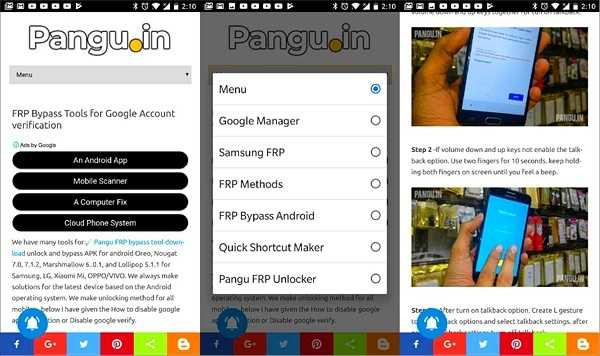
Pangu FRP Bypass Tool is a free solution for older Android devices, particularly versions 5.0 to 9.0. Pangu FRP bypass tool for PC locks without requiring Google credentials. Although it can be used successfully with compatible devices, the tool does not have frequent updates and guidelines, making it difficult to use with novices. The user is expected to strictly adhere to reliable instructions to prevent errors or problems with the device.
Pros
- Free and lightweight
- Can bypass FRP on older Android devices
- Simple process for compatible phones
Cons
- Lacks frequent updates
- Limited instructions, not beginner-friendly
- May not work on newer devices
6. Easy Samsung FRP
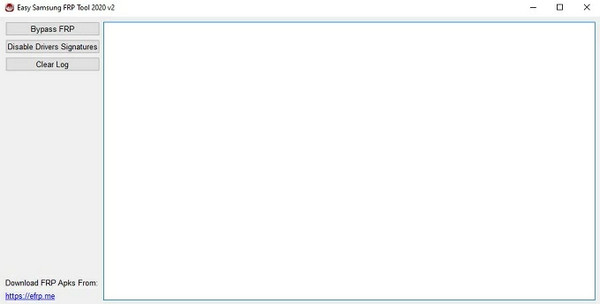
Easy Samsung FRP is a Samsung-based utility to bypass FRP with PCEasy Samsung FRP on qualified models. It is primarily applied to older Samsung devices and needs a Windows PC. The tool is not complicated, but it has fewer protective measures than contemporary solutions.
Pros
- Simple and lightweight
- Designed specifically for Samsung devices
- No Google credentials required
Cons
- Limited device and Android version support
- No active updates
- Not beginner-friendly without guides
Part 3. Comparison Table: FRP Solutions Overview
If you are looking for a Samsung FRP tool download for PC, it is important to know that not all tools work the same. Devices, Android versions, ease of use, and cost vary. The table below compares the most reliable FRP solutions so you can quickly see which one fits your needs.
| Features | imyPass AnyPassGo | DroidKit Android FRP Bypass | iMyFone LockWiper for Android | SamFw Tool | Pangu FRP Bypass Tool | Easy Samsung FRP |
| Supported Device | All of the latest and oldest versions of Samsung, LG, Huawei, Xiaomi, and others | Samsung, Xiaomi, Motorola, and others | LG, Samsung, and selected brands | Samsung only | Older Android devices only | Samsung only |
| Android Version Supported | Most Android 6.0+ | Android 6.0 – 14 | Android 6.0+ | Android 7.0 – 13 | Android 5.0 – 9 | Older Samsung models |
| Ease of Use | Beginner-friendly | Moderate | Moderate | Moderate | Moderate | Moderate |
| Free or Paid | Paid | Free and Paid | Paid | Free | Free | Free |
Conclusion
In the case of Samsung devices, the Samsung FRP bypass tool PC DM Repair Tech is a secure and efficient method of re-entry. As substitutes, such tools as imyPass AnyPassGo, DroidKit, and SamFw can be trustworthy as long as your needs do not go beyond that. It is always advisable to run known software and instructions to the letter in order to prevent problems. FRP can be easily and safely bypassed with the correct tool.
Gideon is a senior editor from imyPass. He is an expert in unlocking phones and computers, and he has written password tutorials in imyPass for 3 years.
Hot Solutions
-
Unlock Android
-
Unlock iOS
-
Password Tips
-
iOS Tips

