Solution
 Support Center
 About Us
 Contact
6 Best Phone Unlocking Services for Samsung, LG, and More
 Gideon Byron Published on August 21, 2026Unlock Android3-min reading
Unlocking a cell phone means removing the SIM lock imposed by a specific carrier, allowing you to use your device with any compatible network provider. Generally speaking, you can request phone unlocking from your carrier if you can follow the unlocking policy. If it is unavailable, you will need a phone unlocking service. This article identifies the top 6 services to help you get rid of carrier lock for your Android device.
In this article:
Part 1: Comparison of Phone Unlocking Services
Methodology
We have tested the most popular phone unlocking services on the market and identified the top list. Plus, we collected hundreds of users' reports. When testing these services, we focus on a few factors, like price, features, requirements, success rate, supported devices, and more.
| Price | Success rate | How-long | |
| UnlockBase | start around $10 | 96.5% | 1 to 3 business days |
| DoctorSIM | around $48 | 95.5% | 1 to 7 business days |
| CellUnlocker | between $10 and $50 | 92.3% | 24 to 72 business hours |
| MobileUnlocks | between $50 and $84 | 89.6% | |
| IMEInow | range from $30 to $139 | 88.9% | 2 to 7 business days |
| FreeUnlocks | $7.99 per code | 85.2% | A few hours |
Part 2: Top 6 Phone Unlocking Services
Top 1: UnlockBase
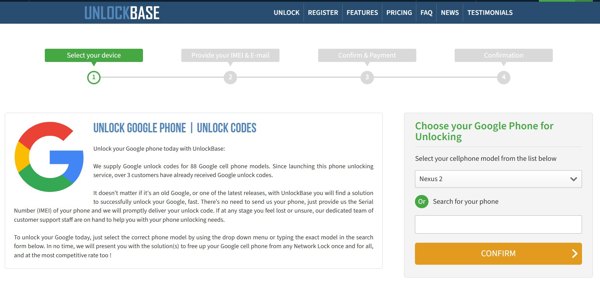
UnlockBase is a popular cell phone unlock service that offers permanent carrier unlocks for Android devices. It was released in 2004. Currently, it has unlocked millions of phones around the world. The customer support is top-notch.
Pros
- Unlock a phone within 3 days.
- Guarantee unlock for life.
- Offer customer support via phone and email.
- Support a wide range of devices and brands.
Cons
- The refund may be issued.
- The IMEI check shows nothing useful.
You May Also Like:
Top 2: DoctorSIM
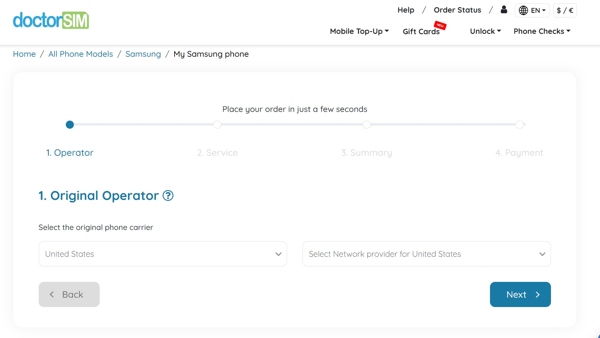
DoctorSIM is one of the best phone unlocking services online. It offers advanced remote unlocking services to over 10 million users. It is able to handle less common phone brands, like HTC, Sony, and more. Overall, it is a trusted phone unlocking solution.
Pros
- Support phone unlock within 24 hours.
- Offer a 30-day money-back guarantee.
- Provide professional customer service 24/7.
- Deliver a bulk discount for more than 5 phones.
Cons
- It works, but takes a long time.
- The check-out process is complex.
Top 3: CellUnlocker
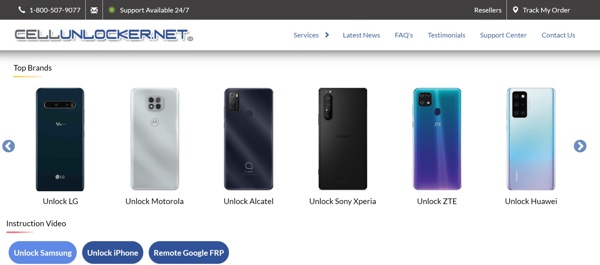
CellUnlocker is a mobile phone unlocking service for accessing your smartphone without the password. It removes the carrier lock permanently. The certified technicians and staff are professional with over 15 years of experience, ensuring a high level of expertise.
Pros
- Unlock a phone in 1 to 3 business days.
- Work for most network providers.
- Available in dozens of countries.
- Provide great customer support.
Cons
- The refund policy is strict and poor.
- It supports limited brands compared to competitors.
Top 4: MobileUnlocks
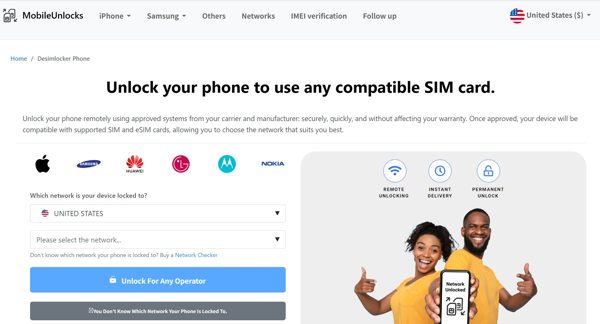
MobileUnlocks is a Samsung phone unlock service. It promises to unlock most phones within 15 minutes. You just need to offer your network provider and IMEI code. Then, you will receive the unlock code via email, along with instructions.
Pros
- Permanently remove carrier lock.
- Unlock various brands and phone models.
- Offer secure payment options.
- Provide the bonus features, like IMEI verification.
Cons
- The eligibility check requires extra fees.
- The prices are not transparent.
Top 5: IMEInow
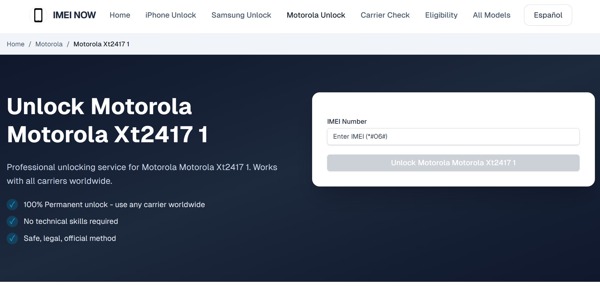
IMEInow is a phone unlocking service. It offers a quick and easy unlocking ability for Android phone users. You just need to select your network and network provider, offer your IMEI number, and pay your bill to switch to a new carrier.
Pros
- Offer carrier checking service for phones.
- Integrate a user-friendly website interface.
- Provide responsive and helpful customer support.
- Integrate a good selection of payment options.
Cons
- The refund process can be awkward.
- It doesn't work 100% of the time.
Top 6: FreeUnlocks
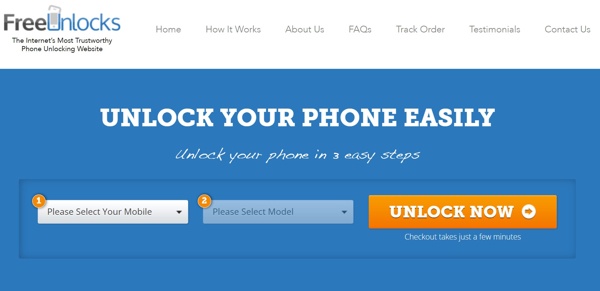
FreeUnlocks is another free phone unlocking service that offers free carrier unlock ability. According to our test, it is fast, secure, and legal with no risk to your phone since it completely works remotely. It is a good option for people who have a limited budget.
Pros
- Unlock carrier lock from phones within 24 hours.
- Affordable and cost-effective.
- Offer a free version and transparent fees.
- Work for a variety of Android phone models.
Cons
- It doesn't guarantee the refund.
- The free service offers a low success rate.
Part 3: Bonus Tip: Top Phone Unlocking Software
Unlocking the phone screen is simpler than removing the carrier lock. From this point, we recommend imyPass AnyPassGo. It is able to unlock any screen lock from an Android phone or tablet without a password. Moreover, it can bypass Google FRP without the associated Google account.
4,000,000+ Downloads
Remove Android screen locks in three steps.
Available to PINs, passwords, patterns, fingerprints, and more.
Won't ask for any password during the process.
Bypass Google FRP lock without your Google credentials.
Support all devices running Android 5 to 17.
How to Unlock Phone Screen Without the Password
Install phone unlocker
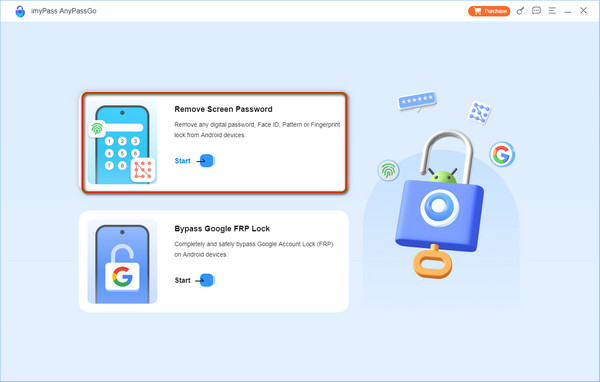
Launch the cell phone unlocking software once you install it on your computer. Choose the Remove Screen Password mode to continue.
Link to your phone
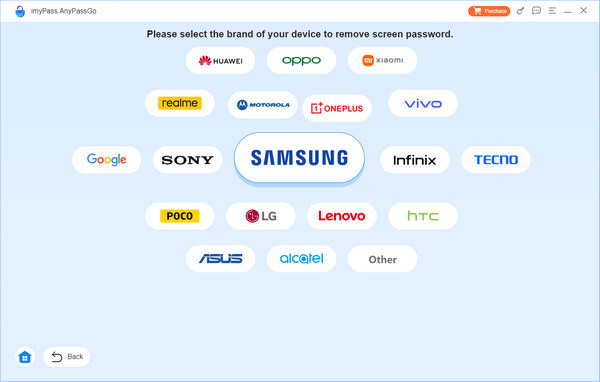
Choose your phone brand on the window. Link your phone to the computer with a compatible USB cable. If prompted, tap Trust on your screen to trust this computer. The software should recognize your phone automatically.
Step 3: Unlock your phone
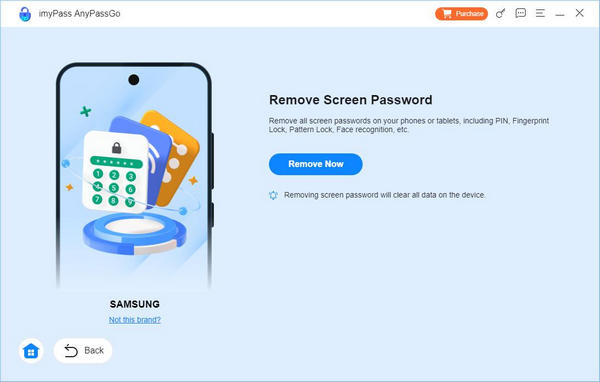
Click the Remove Now button to begin unlocking your phone screen immediately. When it is done, your phone will restart.
Note:
The process will clear all data on your device, so you'd better back it up first.
Conclusion
Now, you should learn the top 6 phone unlocking services near me or online. They can remove the carrier lock from your Android phone or tablet after you offer the necessary information and pay your bill. You can pick an appropriate service according to our review and your situation. Moreover, we recommended a phone unlocking software, imyPass AnyPassGo. It enables you to remove screen locks from Android devices.
Gideon writes about unlocking iOS, Android, and Windows devices. He previously worked as a mobile device specialist in a repair center, assisting customers with locked devices and password recovery. In his spare time, he tests new unlock tools, customizes smart devices and makes complex unlock processes simple and safe.
Hot Solutions
-
Unlock Android
-
Unlock iOS
-
Password Tips
-
iOS Tips