



 Solution
 Support Center
 About Us
 Contact
8 Best Location Spoofing Applications for iPhone/iPad
 Penny Warren Published on June 02, 2026GPS Location3-min reading
There are a few scenarios when you need a location spoofer for your iPhone or iPad. For instance, you wish to hide your real location from specific apps or websites. Moreover, it enables you to access streaming content that is exclusive to specific regions. When you travel overseas, a location spoofer app allows you to update your address without manually changing it. This article shared a top list for iOS users.

In this article:
Part 1. Comparison of Location Spoofers for iPhone
Methodology
We tested the most popular location spoofing apps and software on Google. Plus, we reviewed over a hundred users to identify the effective ones. When testing them, we focus on a few aspects, like the price, subscription, supported devices, ease of use, bonus features, and more.
| Support Devices | Best for | |
| imyPass iLocaGo | iPhone 4 and above All iPad models iPod Touch 7 and earlier Android 5 and above | GPS location spoofing across devices |
| 3uTools | iPhone 5 and above | Location changing for free |
| iSpoofer | iPhone 4 and above | Fake static location |
| Mock Location GPS Changer | iOS 16 and above | Change accurate locations |
| iGPS Spoofer Location Changer | iOS 15 and later | Simulate movements |
| Location Changer Drop Pin | iOS 17.6 and above | Quickly location sharing |
| GPS Joystick Location Changer | iOS 16 and later | Enhance travel and photo experience |
| GeoCepter | iOS 15 and later | Protect online privacy |
Part 2. Top 3 iPhone Location Spoofer Software
Top 1: imyPass iLocaGo

As a location spoofer for iPhone, imyPass iLocaGo can meet almost all your needs. To avoid being detected by apps and AR games, the software won't install anything on your mobile device. Moreover, it integrates an intuitive interface and is easy to navigate, even for beginners.
Pros
- Easy to use.
- Change the static location of the iPhone.
- Simulate movements quickly.
- Offer custom options.
- Provide multiple modes.
Cons
- It requires a computer and a USB cable.
Here are the steps to spoof your iPhone's location:
Connect to your iPhone
Launch the location spoofer for iPhone after you install it on your PC. There is another version for Mac. Connect your iPhone to your PC with a Lightning cable. The software will detect your device automatically.

Choose Modify Location
When the mode window appears, choose the Modify Location mode. If you want to make virtual routes, choose One-stop Mode, Multi-stop Mode, or Joystick Mode.
Change iPhone location
Type an accurate address into the field. If you don't have an address, click the right position on the interactive map. Finally, click on the Modify button to confirm it.

Top 2: 3uTools
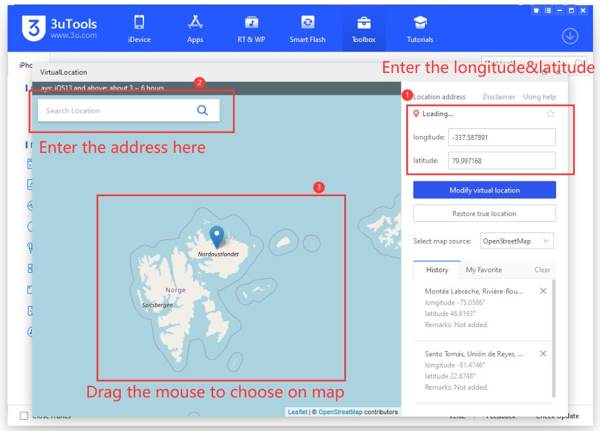
3uTools is a free location spoofer for iPhones. While it is freeware, many users reported they have used it for years without problems. In addition to location spoofing, you can get lots of bonus features, including jailbreaking iOS.
Pros
- Completely free to use.
- Change iPhone location with longitude and latitude.
- Save location history.
- Include bonus tools, like a backup iPhone.
Cons
- It cannot simulate movements.
- Full features are only available on Windows.
Top 3: iSpoofer
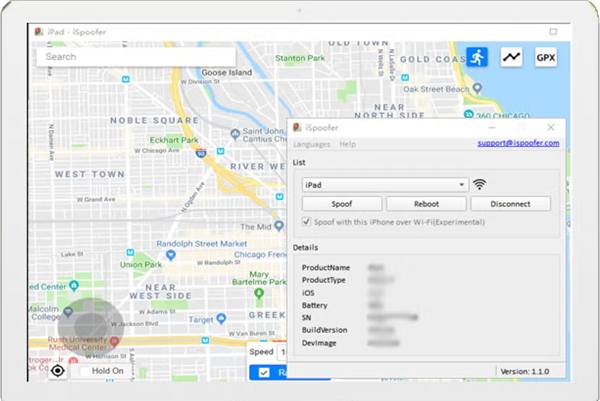
iSpoofer is a popular iOS location spoofer program. Due to violating Niantic's Terms of Services, it was temporarily banned in 2018. However, it is still available to change virtual location on iOS devices currently.
Pros
- Spoof locations on iOS devices.
- Integrate a detailed map.
- No intrusive ads or pop-ups.
- Offer a free and a pro version.
Cons
- Features are limited.
- It is banned by Pokémon Go.
Part 3. Top 5 iPhone Location Spoofer Apps
Top 1: Mock Location GPS Changer
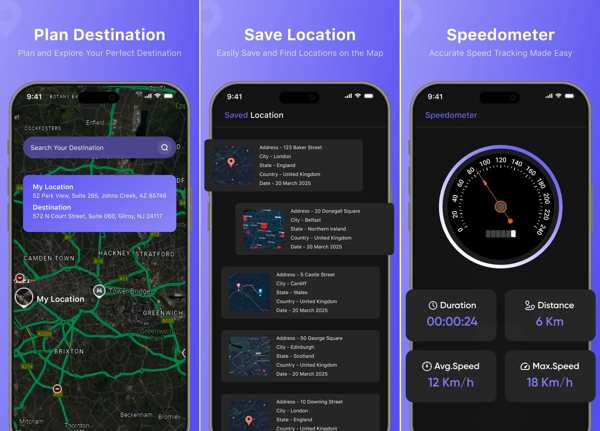
Mock Location GPS Changer is one of the most popular location spoofing apps for iPhone. It can track your accurate location on a personalized map. Moreover, it comes with multiple map views, like satellite view, normal view, and more.
Pros
- Track location in real time.
- See the world with a detailed satellite image.
- Simulate your presence elsewhere.
- Share your location on iPhone with a tap.
Cons
- This app uses your location even when it is not open.
- It is only available in English.
Top 2: iGPS Spoofer Location Changer
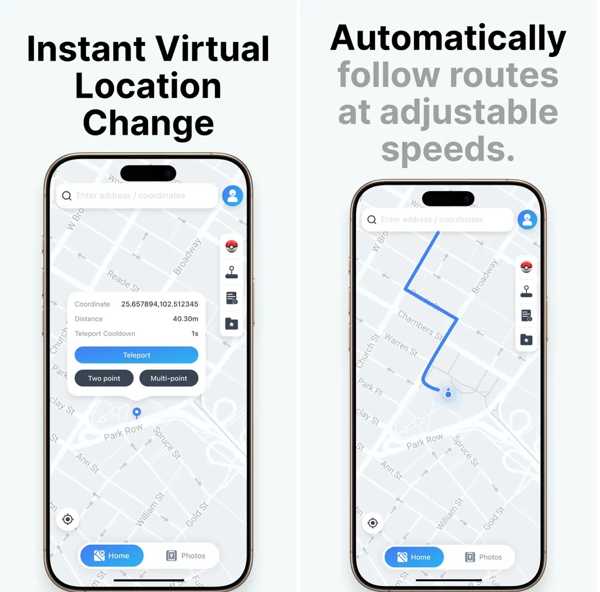
iGPS Spoofer Location Changer is another location spoofing app to control your virtual locations and movements with precision. It can be used to test location-based apps, preview maps, plan routes, and explore new regions.
Pros
- Change iPhone location instantly.
- Simulate movement with adjustable controls.
- Offer smooth joystick-style navigation.
- Create custom routes.
Cons
- It asks users to download a desktop program.
- It lacks bonus features.
Top 3: Location Changer Drop Pin
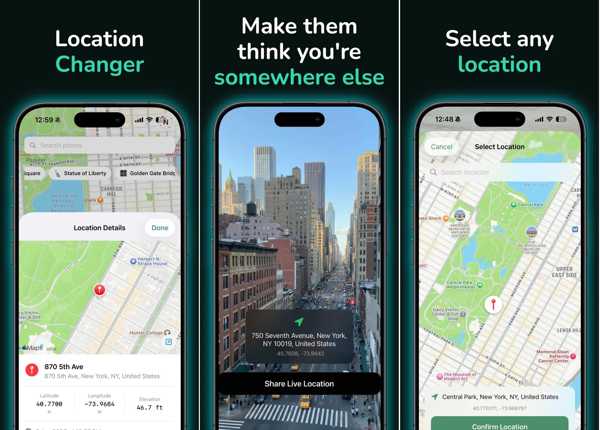
Location Changer Drop Pin is a location spoofing app for iPhones. It can change location, GPS coordinates, and share any spot on the map. Moreover, it enables users to share locations with anyone.
Pros
- Fake location to anywhere.
- Support precise GPS coordinates.
- Add fake metadata to photos.
- Save unlimited locations.
Cons
- You have to pay for the location changing.
- The cost is high.
Top 4: GPS Joystick Location Changer
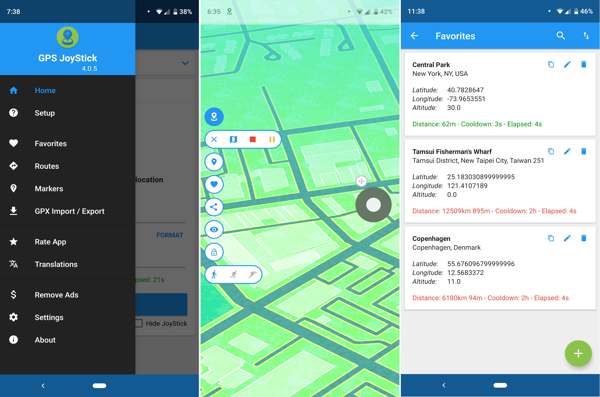
GPS Joystick Location Changer is an iOS location spoofer app for iPhones. With the app, you can modify the GPS metadata of your photos and reflect a different location while keeping the real GPS location unchanged.
Pros
- Record location history.
- Change locations for photos.
- Create a detailed travel journal.
- Integrate the GPS Joystick.
Cons
- It requires a subscription.
- It cannot change the iPhone GPS.
Top 5: GeoCepter
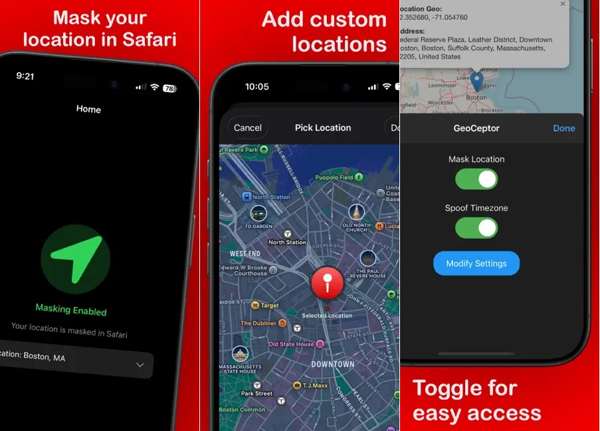
GeoCepter is a location spoofer for iPhone. It is designed to protect your privacy while browsing the web in Safari. You can set a fake location to hide your GPS and enhance your online privacy.
Pros
- Mask geolocation for websites.
- Choose any location.
- Change the time zone for Safari.
- Manage location preferences.
Cons
- It can only change the location of websites.
- It won't change the IP address.
Conclusion
This article reviewed the top 8 location spoofers for iPhones. Some of them require a computer and won't install apps on your iOS devices. Others don't require a computer when changing the iPhone location. imyPass iLocaGo is a good option for beginners to fake an iPhone location without technical skills.
Penny focuses on GPS troubleshooting and Windows optimization. She formerly worked as a technical support engineer, helping clients solve location-based and system issues efficiently. Backed by IT support experience, she provides practical solutions that really work. In her free time, she likes hiking and geocaching, testing GPS tech in the real world.
Hot Solutions
-
GPS Location
-
Unlock iOS
-
iOS Tips
-
Unlock Android


