



 Solution
 Support Center
 About Us
 Contact
Dr.Fone Unlock Phone: Pros, Cons, How to Use It & Best Alternatives
 Gideon Byron Published on February 27, 2026Unlock Android3-min reading
Our mobile phones, like iPhone and Android phones, are indeed our companions every day. We can bring them everywhere we go due to their size. For sure, they contain countless important data points. Lucky, they offer a screen lock feature to secure them from illegal access.
However, accessing your files from your iPhone or Android could also be impossible if you accidentally forget your screen lock password. Bypassing it with third-party tools is one of the main solutions, such as Dr.Fone Unlocker. Are you interested in knowing the important information about this tool? Scroll below to read this informative article.

In this article:
Part 1. What is Dr.Fone Unlock?
Dr.Fone is more than just a single Unlock button. It is designed as a suite of tools. You can use its unlocking tools for Android and iPhone within the larger Dr.Fone Toolkit. It includes Dr.Fone - Screen Unlock (Android) and Dr.Fone - Screen Unlock (iOS). Both professionals and beginners can use these unlocking tools offered by Dr.Fone. It has a simple interface that makes the unlocking procedure convenient and fast. Do you want to know more about these unlocking tools? Proceed to the next sections of this post.
Part 2. Detailed Review of Dr.Fone - Screen Unlock (Android)
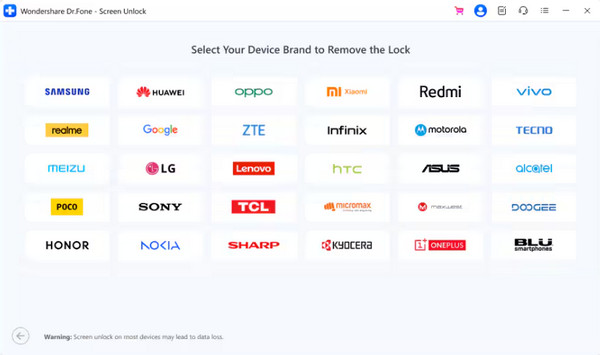
Dr.Fone - Screen Unlock (Android) is a tool that can instantly unlock your Android screen lock when it is forgotten. Pattern, PIN, password, fingerprint, and face lock are supported. Dr.Fone Unlock Android can also allow you to bypass the Google FRP lock on your Android phone. This AI-powered tool supports the latest versions of Android OS. Also, it supports different famous brands around the world, including LG, Vivo, Huawei, Samsung, Xiaomi, and more. You may check its main page to see more of the supported Android brands.
Ensure that you have downloaded the tool from its official website. A Wondershare Dr.Fone Screen Unlock Android crack download is risky. The steps on how to use this tool are presented below.
Download Dr.Fone - Screen Unlock (Android). Set up, install, and open it afterward. On the first screen, please click the Android button.
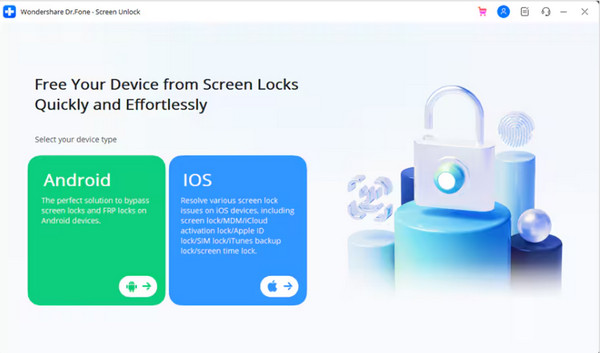
Plug your Android phone into a computer with a USB cable. Then, select your Android phone brand on the next screen.
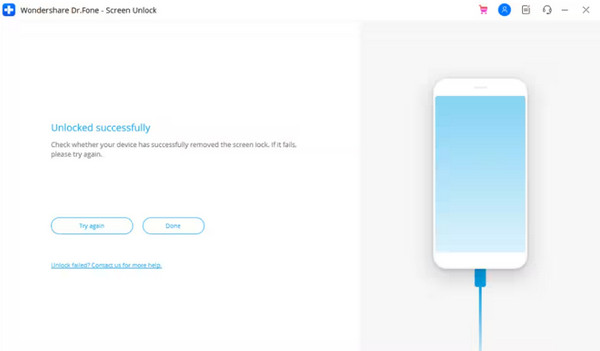
Follow the on-screen instructions, and the unlocking process will start. Click the Done button to complete the process.
Part 3. Detailed Review of Dr.Fone - Screen Unlock (iOS)
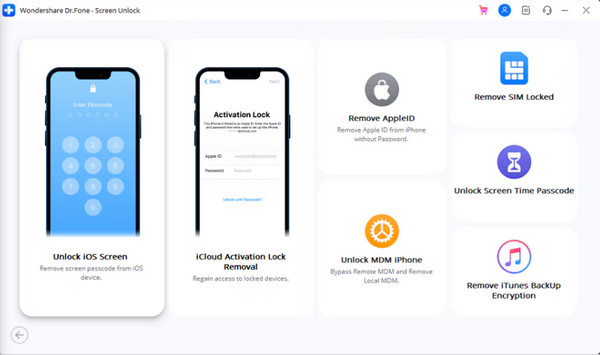
Dr.Fone - Screen Unlock (iOS), on the other hand, is a tool for unlocking iOS devices. Compared to the previous tool, this software supports multiple security lock bypasses. You can use its Unlock iOS Screen, Remove iCloud Activation Lock, Remove Apple ID, Unlock MDM, SIM Unlock, Unlock Screen Time Passcode, and Remove iTunes Backup Encryption. This tool has a high success rate in removing these security locks on your iOS devices. The steps below will show you how to use this tool.
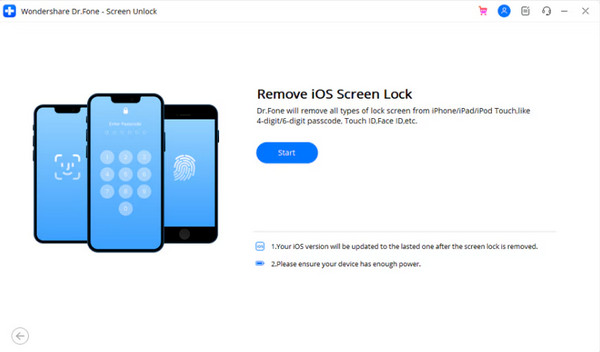
Get the latest version of Dr.Fone - Screen Unlock (iOS). Install and open it afterward. Please select the Unlock iOS Screen or other features from the screen.
Plug the iPhone into the computer using your USB cable. After that, click the Start button on the next interface. The unlocking process for your iOS device will start immediately.
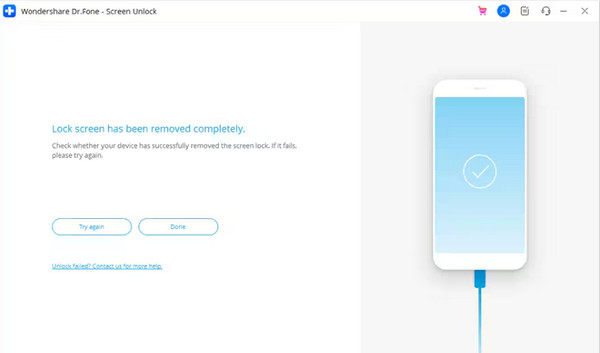
A new screen will be prompted, showing that the unlocking process is completed. Please click the Done button.
Part 4. Pros and Cons of Dr.Fone - Screen Unlock
Dr.Fone - Screen Unlock (Android) and Dr.Fone - Screen Unlock (iOS) are indeed convenient to use. Here are the pros and cons of the tools for additional information about them.
Dr.Fone - Screen Unlock (Android)
Pros
- It can unlock patterns, passwords, fingerprints, and more data types.
- It can bypass Google FRP lock.
- It allows you to download it on Windows and Mac.
Cons
- Not all Android phone brands and models are supported.
- It is quite expensive.
- It does not guarantee a 100% success rate.
Dr.Fone - Screen Unlock (iOS)
Pros
- It has a user-friendly interface
- It supports different screen lock types.
- It can fix issues on your iOS devices.
- It allows you to transfer different iOS data types.
- It does not contain malware or a virus.
Cons
- Data loss is high.
- It has an inconsistent success.
- It is expensive.
- It has mixed user feedback.
Part 5. Best Alternatives to Dr.Fone - Screen Unlock
Dr.Fone is indeed a great tool to unlock your Android phone or iPhone. In this section, you can try browsing its best alternative. You might see the features lacking from the mentioned tool. Scroll below to continue.
1. imyPass Tools
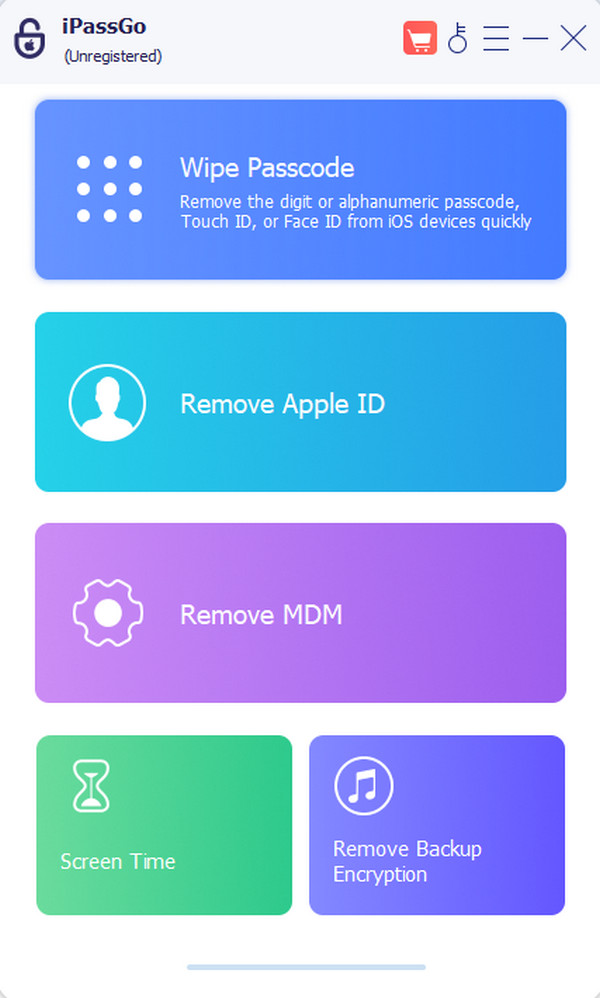
imyPass has two different tools that can unlock your Android phone or iPhone. imyPass iPassGo is designed to unlock your iPhone. It can remove passcode, Touch ID, Face ID, and more. Besides that, it has Remove Apple ID, Remove MDM, Screen Time, and Remove Backup Encryption features. Additionally, it supports different scenarios. Forgotten passcode, disabled iOS device, broken or cracked screen, and more.
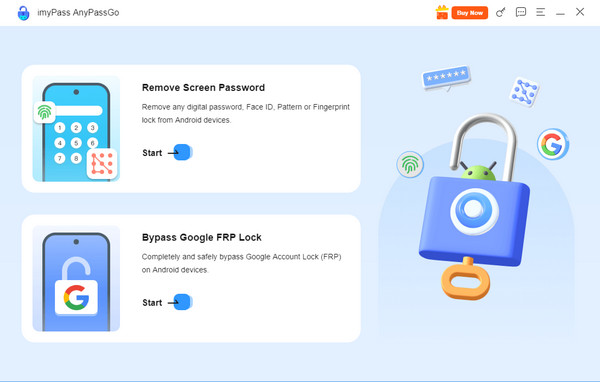
On the other hand, imyPass AnyPassGo is intended to unlock your Android phone. It supports different popular brands, such as OnePlus, Vivo, Oppo, LG, Xiaomi, Huawei, and more. The tool uses a USB connection for the unlocking process. FRP lock can also be bypassed with this tool! You do not need any of your Google account information to remove it from your Android phone.
2. DroidKit
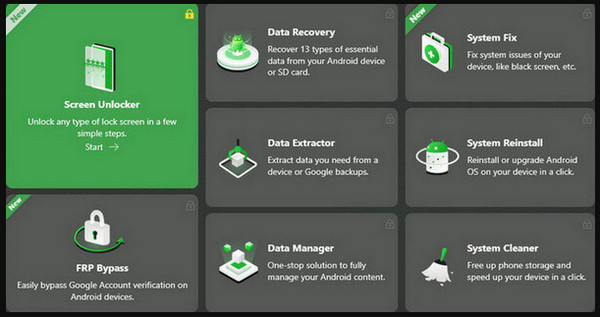
DroidKit is built to solve different Android phone issues, including its security and data. This all-in-one tool can unlock your screen without the password, bypass FRP lock, clean storage, reinstall system, fix system issues, and more. On the other hand, some users report bugs during using the tool. Also, not all of the features of this tool are available with the free trial. Also, the recovery feature of this tool supports only limited data types.
3. iMyFone LockWiper
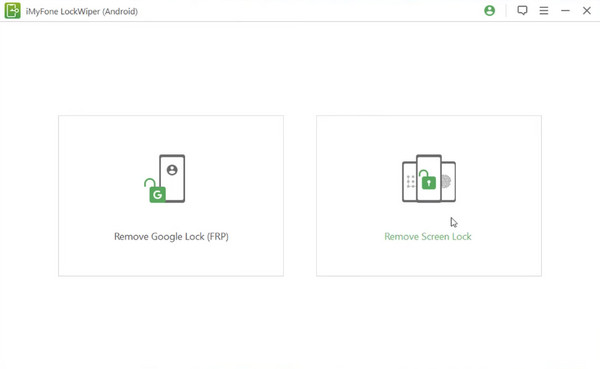
iMyFone LockWiper is a third-party tool that allows you to reset an Android phone when locked. It can also remove various screen lock types on your iPhone, including Touch ID, Face ID, password, and more. The tool has a simple interface that offers an easy unlocking process for beginners. However, unlocking your Android phone or iPhone with these tools has potential data loss. You need to purchase their plan to use all the features of the tool.
Conclusion
In closing, does Dr.Fone Screen Unlock work? Definitely! This software can unlock your iPhone and Android phone in a few clicks. However, you need to download the tools separately. Its best alternatives are also listed, including imyPass AnyPassGo and imyPass iPassGo. Download the tool if you want to know more about them!
Gideon writes about unlocking iOS, Android, and Windows devices. He previously worked as a mobile device specialist in a repair center, assisting customers with locked devices and password recovery. In his spare time, he tests new unlock tools, customizes smart devices and makes complex unlock processes simple and safe.
Hot Solutions
-
Unlock Android
-
Unlock iOS
-
Password Tips
-
iOS Tips

